
Admin Accounts
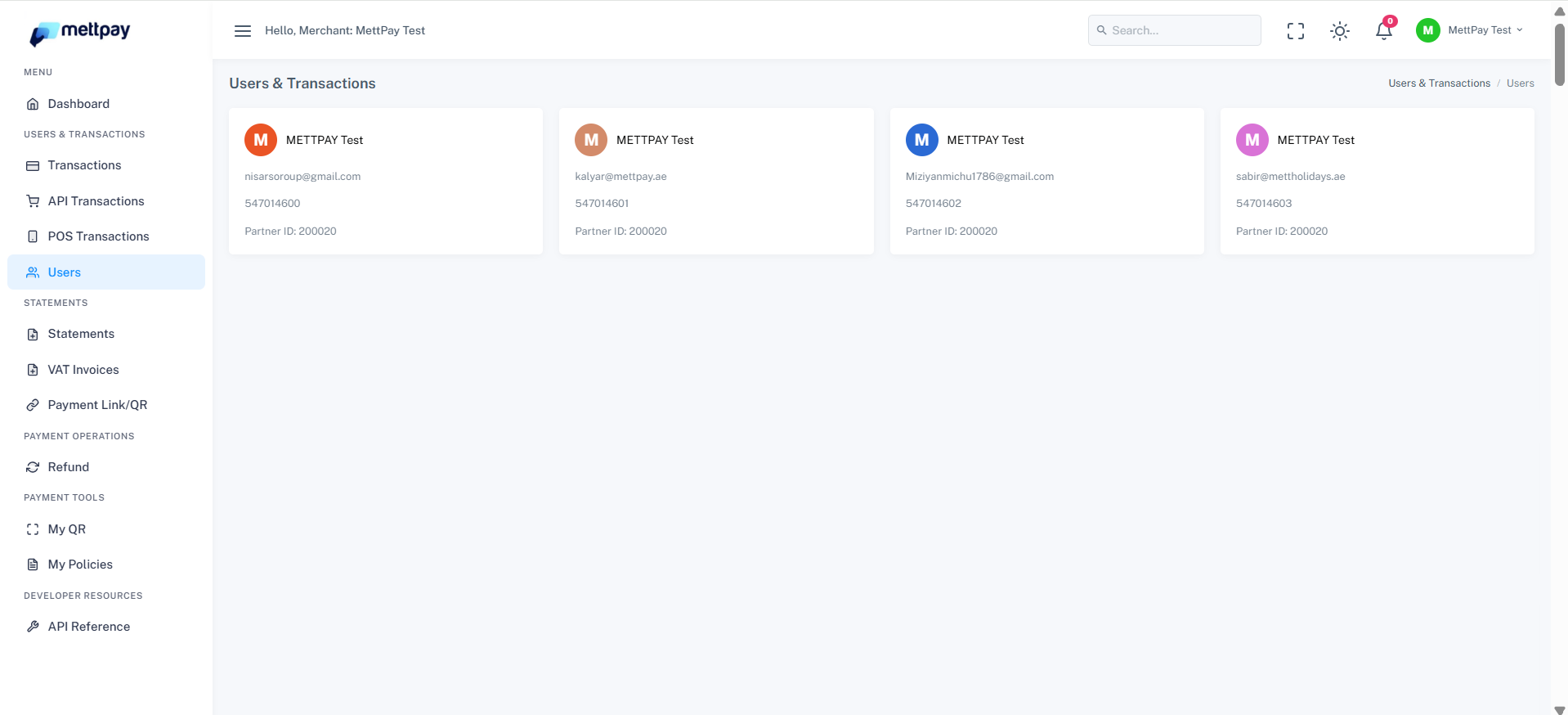
The Admin Accounts section outlines the full access and control privileges assigned to Admin users. Admins hold complete visibility across all merchants and branches, allowing them to manage users, transactions, and operational data seamlessly.
Admin Privileges Overview
Admin users have advanced permissions that allow them to operate across the entire system. With these rights, they can:
- View all merchants and branches under the platform.
- Switch between merchants easily to access their specific data.
- Access and manage all Transactions, POS Transactions, and API Transactions.
- Monitor and update user information listed under each merchant account.
Admin Dashboard Access
When logged in as an Admin, the dashboard provides full control and flexibility:
- Admins can view every registered user within the Users tab.
- Filter transactions by merchant through a dropdown selection available in the filter bar.
- Switch between different merchant profiles to analyze and verify their respective data.
Limited Access for Branch or Regular Users
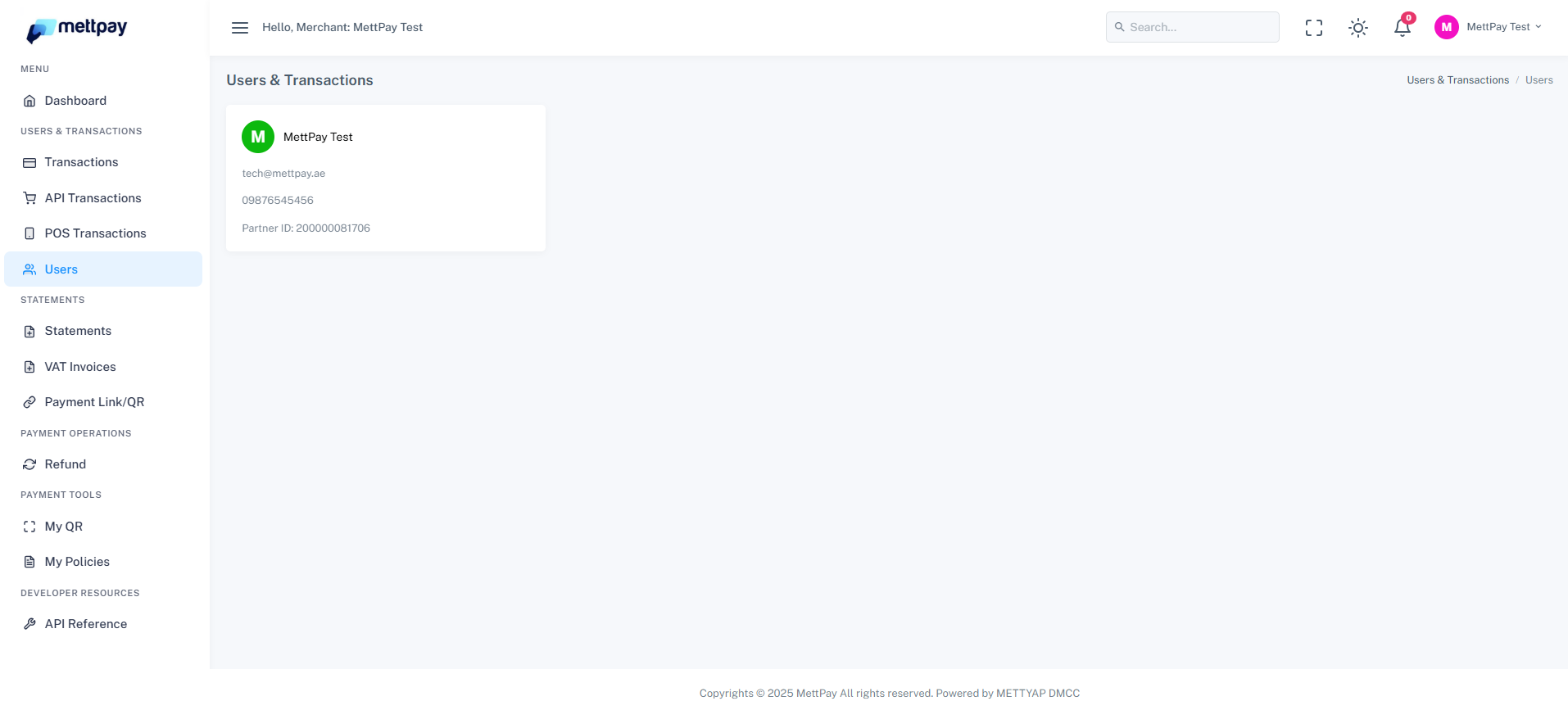
When a user logs in as a Branch user or a Regular user, these advanced admin privileges are restricted. The interface automatically limits access to ensure data security and role-based control:
- Branch or Regular users can only view their own account details in the Users page.
- They cannot switch between merchants or view data from other branches.
- Filtering and multi-merchant viewing options are disabled for their login role.
Admin User Privileges
If you are logged in as an Admin user, you have extended access rights across all branches and merchants:
- View all users under every branch or merchant group.
- Switch between merchants to view their specific Transactions, Statements, or POS Transactions.
- Quickly auto-login into a merchant’s account to check their operational data and records.
Branch User Access
When logged in as a Branch user, access is limited to the data and users within your assigned branch only. You cannot view or switch to other merchants.
Navigating the Users Page
To view details or auto-login as a merchant:
- Go to the Users page from the sidebar menu.
- Locate the merchant in the list and click on the Merchant Name.
- This action will automatically log you in to the selected merchant’s account and allow you to view their specific data.