
Reset Password
The Reset Password feature allows users to securely change their login credentials when they forget or wish to update their password. By following a few simple steps, you can verify your email, receive a one-time password (OTP), and set a new login password with ease.
Reset Password Steps
To reset your password, follow these simple steps:
- Go to the top-right corner of the portal and click on Reset Password.
- You’ll be redirected to the password reset page where you can enter your registered login email ID.

Refer to Screenshot 11

After submitting your email, an OTP (One-Time Password) will be sent to your registered inbox.
Refer to Screenshot 12
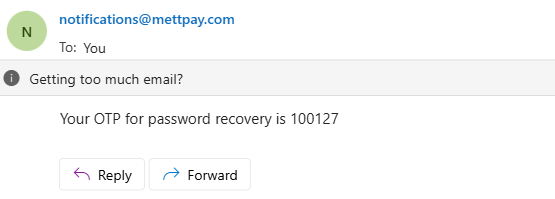
Enter the received OTP on the reset page and create your new password to complete the process.
Refer to Screenshot 13
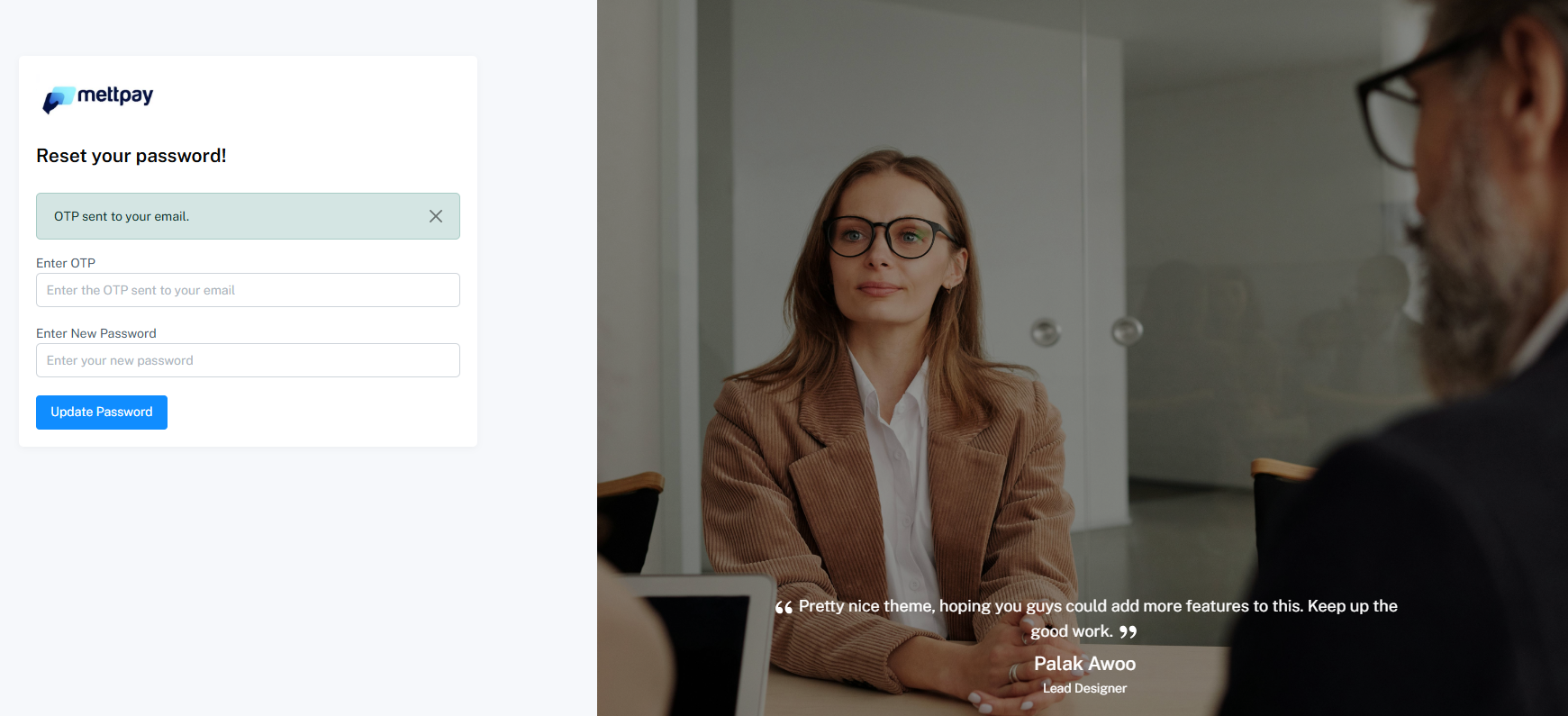
Once done, your password will be successfully updated. You can now log in using your new credentials and continue accessing your account securely.